Projects
 2
2Portable ERP — Windows Edition
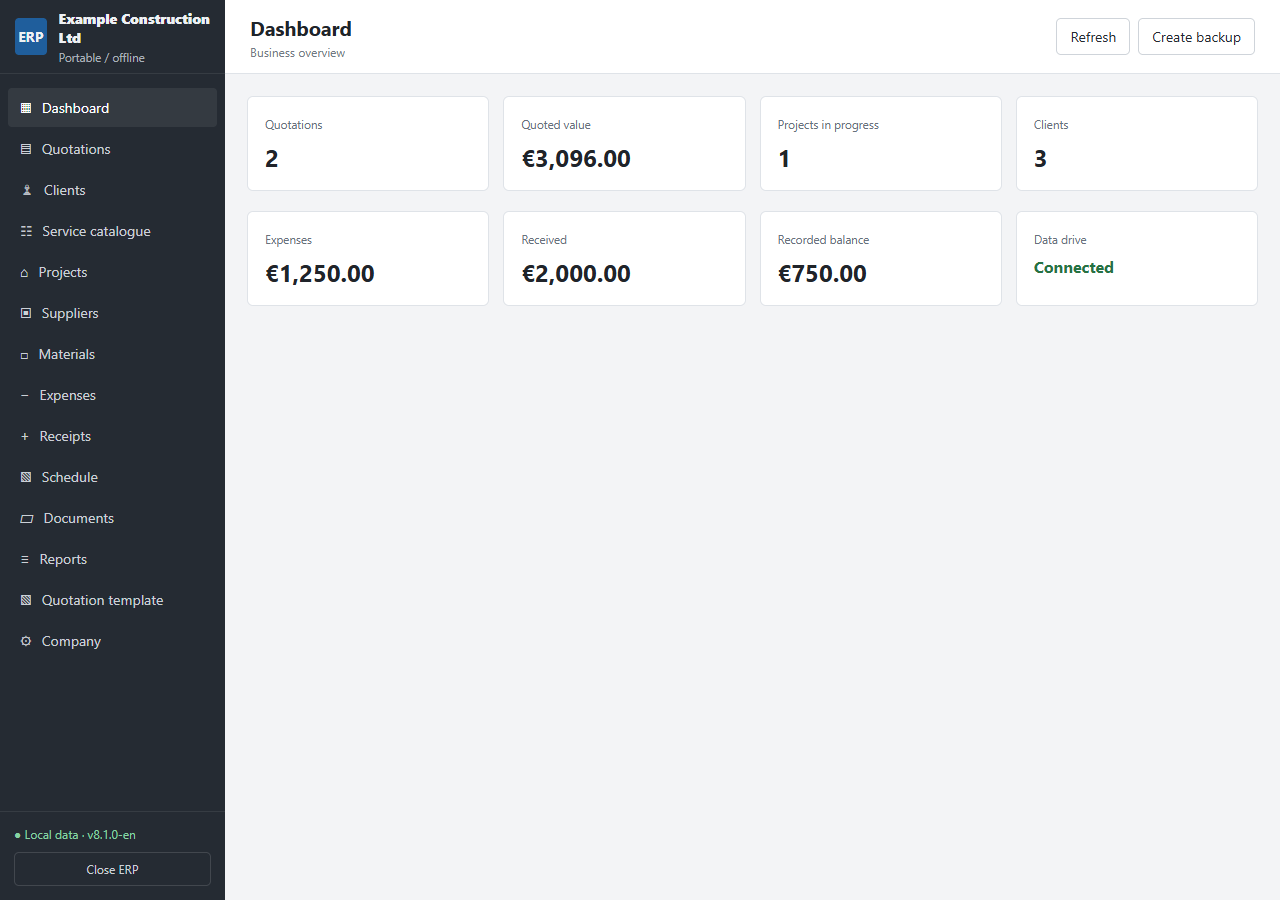
Professional quotations. Organised business records. Your data stays with you. Create detailed quotations and manage your day-to-day business in one portable Windows application. Built for contractors, tradespeople and small service businesses, BarrosCAD Portable ERP brings quotations, clients, projects, suppliers, materials, expenses and receipts together in an English-language workspace. Work offline with a local database. Keep each company’s application and data together in its own folder, on your computer or a USB drive. **€99 — one-time payment. No monthly subscription.** ## Everything included ### Standard and insurance quotations Create quotations for private clients or insurers. Record policyholder details, insurer, policy number, incident date, work location and inspection notes. Track quotations as Draft, Sent or Accepted. ### Detailed, formatted service descriptions Give each service its own title and description. Use bold, italics, underlining, paragraphs, bullets and numbered lists. Add, duplicate, remove or reorder service lines. ### Quantities, units, prices and VAT Choose units such as hours, square metres, linear metres, cubic metres, days, pieces or a complete service. Enter quantities and unit prices, select VAT per line, and calculate subtotals, VAT breakdowns and quotation totals. ### Reusable clients and services Keep client records and a service catalogue for future quotations. Select saved clients and services instead of entering the same information again. Duplicate an existing quotation to prepare a new proposal. ### Customisable quotation templates Personalise your document title, logo, font, colours, margins, spacing and visible columns. Reorder sections, hide optional sections, and add your own introduction, conditions, footer and signature labels. Preview the result before printing. ### Print or save as PDF Print quotations from the document preview. To create a PDF, select Microsoft Print to PDF and choose where to save the file. Save it inside the company folder to keep your documents together. ### Projects and suppliers Maintain project records with status, dates, budgets, recorded costs, progress and notes. Keep supplier details, categories and contact information in one place. ### Materials and stock records Record materials, references, suppliers, units, prices, stock quantities and minimum stock levels. Stock quantities are maintained manually. ### Expenses and receipts Record costs, payment status, received payments and outstanding amounts. Link records to client or project names and review your recorded figures. ### Schedule and document register Organise tasks, visits, meetings and deadlines. Maintain a register of document names, categories, dates and file locations. ### Dashboard, reports and CSV exports View quotation totals, projects in progress, expenses, receipts and recorded balance. Review acceptance rates and outstanding payments. Search records and export module data to CSV. ### Local database and backups Keep your company database in the application folder. Automatic backups are created before changes are saved, and you can create additional backups manually. Each separate company folder has its own data. ## What you receive - Portable Windows software with an English interface. - A blank company database, ready for your business details. - Editable quotation templates. - Local data storage, backup tools and CSV exports. - English getting-started instructions. ## Requirements and important information - Windows 10 or 11, Windows PowerShell, and installed Microsoft Edge or Google Chrome. - Extract the complete package before opening the application. - No cloud database or online account is required to use the ERP. - Current currency: EUR. Available VAT rates: 0%, 6%, 13% and 23%. - PDF creation uses the Windows/browser print dialog; it is not an automatic PDF export service. - Intended for local use, not simultaneous multi-user access through a shared network folder. - Project progress and stock quantities are manually maintained. The document register stores file references, not attachments. - Quotation status tracking does not send emails. - This is a quotation and business-record management tool, not certified invoicing, payroll or accounting software. - There is no application password. Protect the computer or drive if access restrictions are required. - Windows or company security policies may restrict script execution. Do not disable security protections to run the software. ## Call to action **Get BarrosCAD Portable ERP — €99, one-time payment** Organise your records, prepare professional quotations and keep control of your local data. --- ## Short product description BarrosCAD Portable ERP is an offline Windows application for quotations and day-to-day business management. Create standard or insurance quotations with formatted service descriptions, quantities, units and VAT. Personalise your document templates, print or save through Microsoft Print to PDF, and manage clients, services, projects, suppliers, materials, expenses, receipts and schedules. Includes local data storage, backups and CSV exports. English interface. EUR currency. €99, one-time payment. ## Image captions and alternative text **01-erp-dashboard.png** Caption: Your business overview in one place — quotations, projects, expenses and receipts. Demonstration data shown. Alt text: English Portable ERP dashboard showing quotation totals, project status, expenses and receipts, with navigation to all business modules. **02-erp-quotation.png** Caption: Detailed insurance quotations with formatted service descriptions, units, prices and VAT. Demonstration data shown. Alt text: Insurance quotation preview with company and client details, policy information, formatted work descriptions and VAT totals. ## SEO SEO title: BarrosCAD Portable ERP for Windows | €99 One-Time Payment Meta description: Create quotations and manage clients, projects and expenses offline. English Windows ERP with local data, backups and editable templates. €99 one-time. Suggested URL slug: portable-erp-windows
 2
2Turbojet Engine — 3D CAD Design
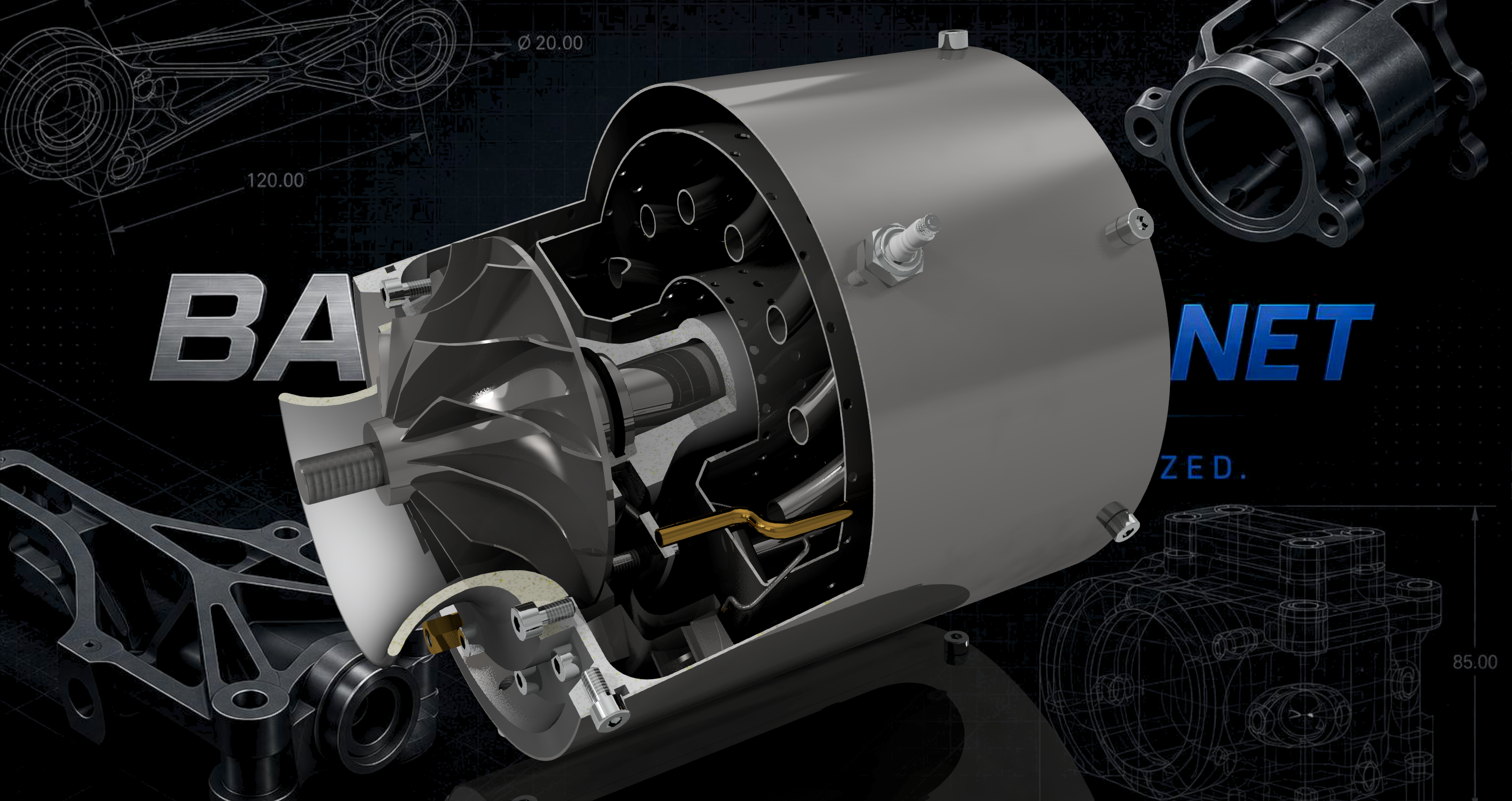
This ongoing project focuses on designing and modelling a turbojet engine using Autodesk Inventor. It involves developing the individual mechanical components, assembling them into a complete system, and refining their geometry and fit. The project is still under development, with further improvements and details to be added. Tools: Autodesk Inventor Skills: 3D Modelling, Mechanical Design, Assembly Design, CAD Status: Work in Progress
 2
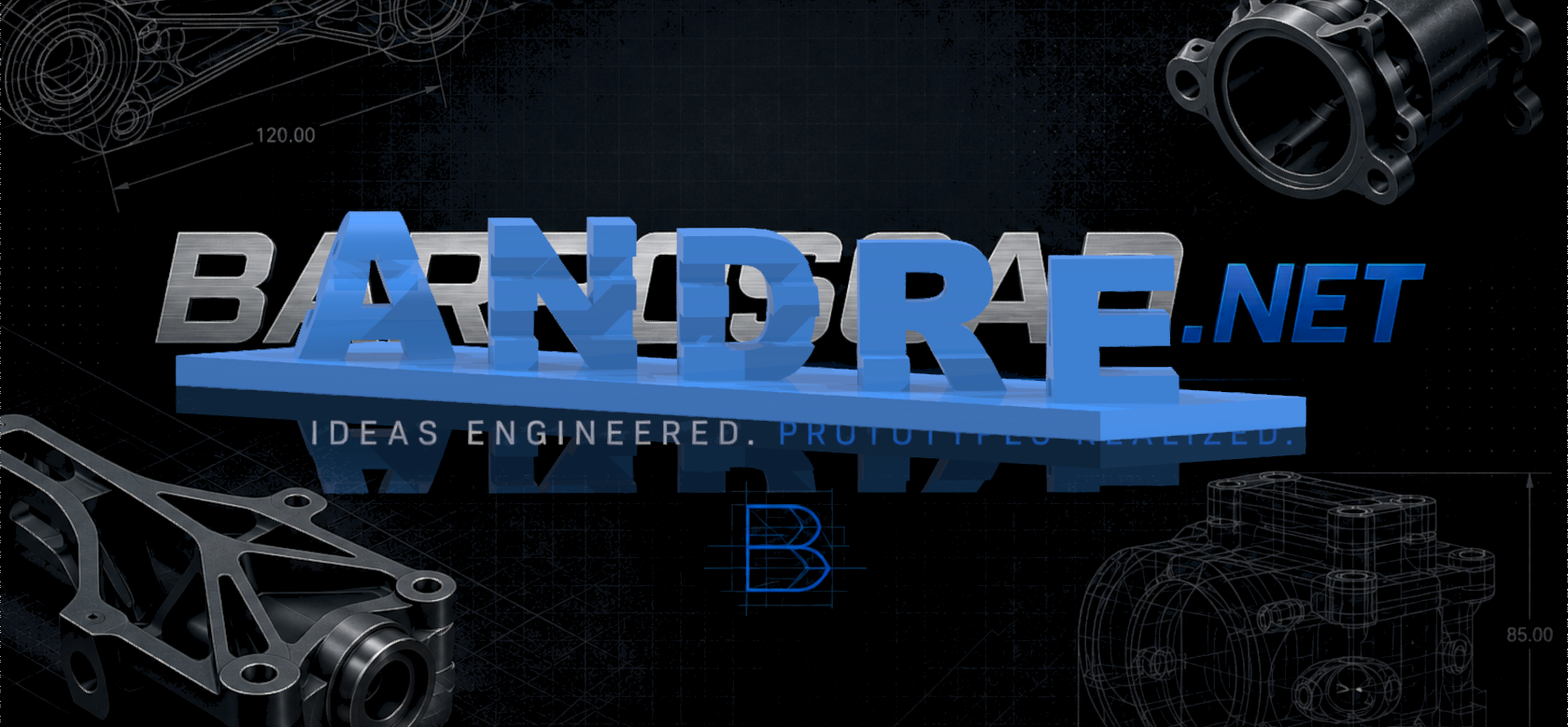
23D Couple Names
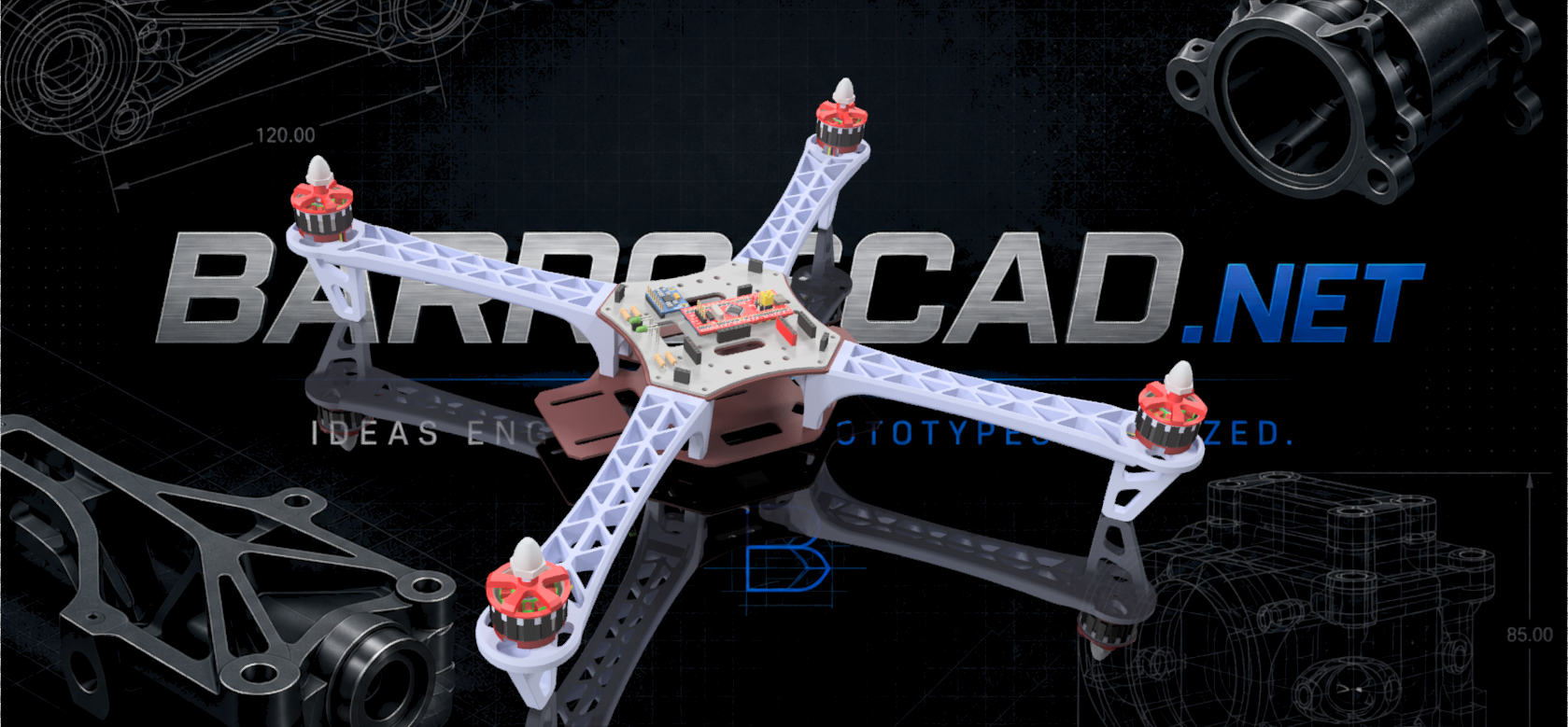
Project YMFC-32 autonomous
The YMFC-32 autonomous is an STM32 quadcopter flight controller that was programmed with the Arduino IDE. It was created by Ajaya Dahal and Im prototyping and developing in order to improve the functions. The main goals of this project are: A bare minimum and understandable code Try to keep the cost to a minimum In short, you can build the complete YMFC-32 autonomous for under €200,-. This includes a battery, charger, remote control and a telemetry system. The Arduino/STM32 code can be downloaded for free in the download section. The flight controller code is commented and clearly explained in the YMFC-32 video tutorials. This makes it possible to further develop the YMFC-32 flight controller code for your own purpose.
 3
3Synthesizer Prototype
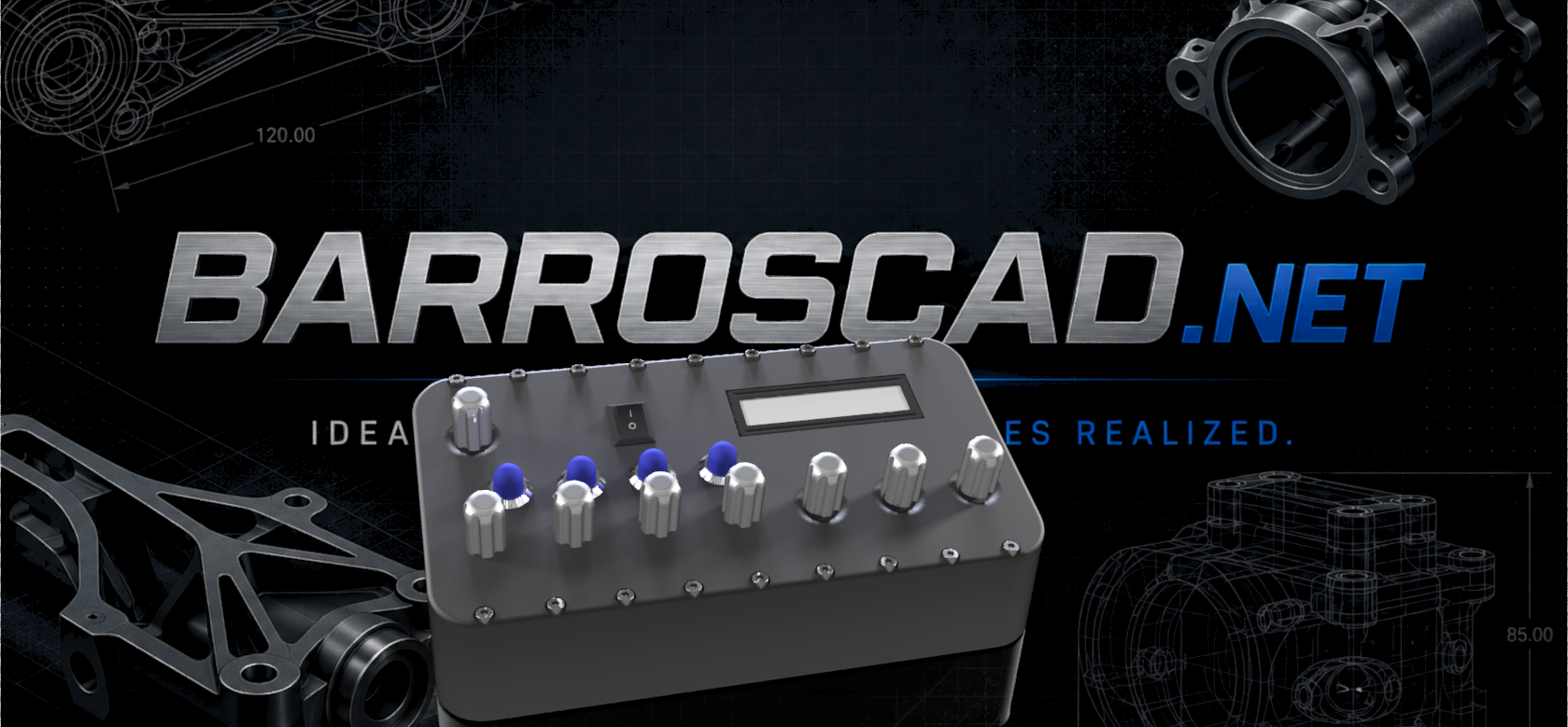
This is my first Synthesizer prototype designed in Autodesk Inventor and programmed with STM32 and the board STEM32F407VET6. The purpose of this project is to challenge myself and getting better at electronics. Feel free to ask me about the design files, code, etc… Soon I will upload the project link ready to download!
Desk Organiser
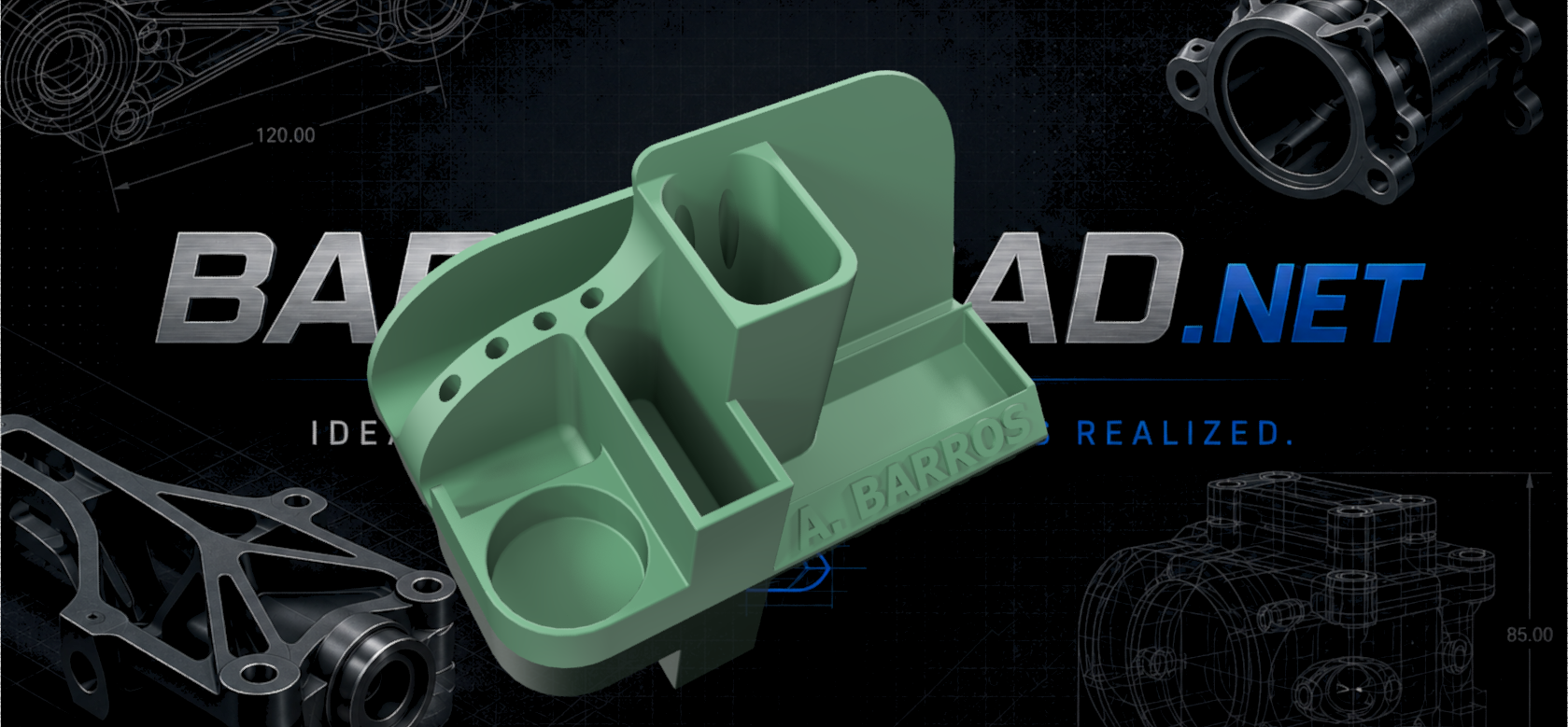
Make yours! Let me know if you need help!
Learn BLENDER in 6 hours
Learn Blender and enjoy this open source software.
Siemens NX 2021 Course
Learn how to be a pro with this course in english.
SolidWorks Course
Here you can find a complete course from the very begining to intermediate level. This course is in english with 95 vidoes of 10min each. Feel free to ask or comment!
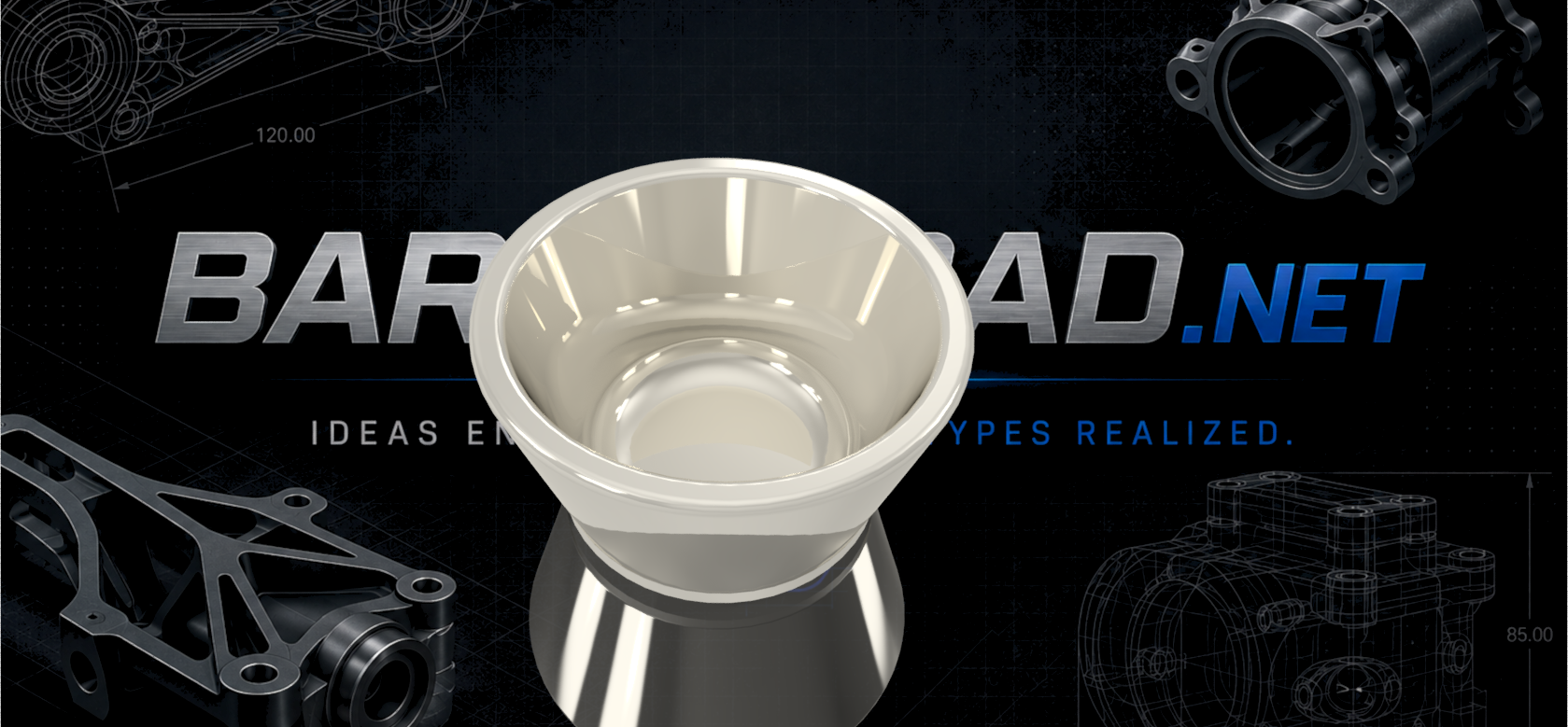
How to model a cup?
Same as LEGO tutorial but now using "Revolve" feature.
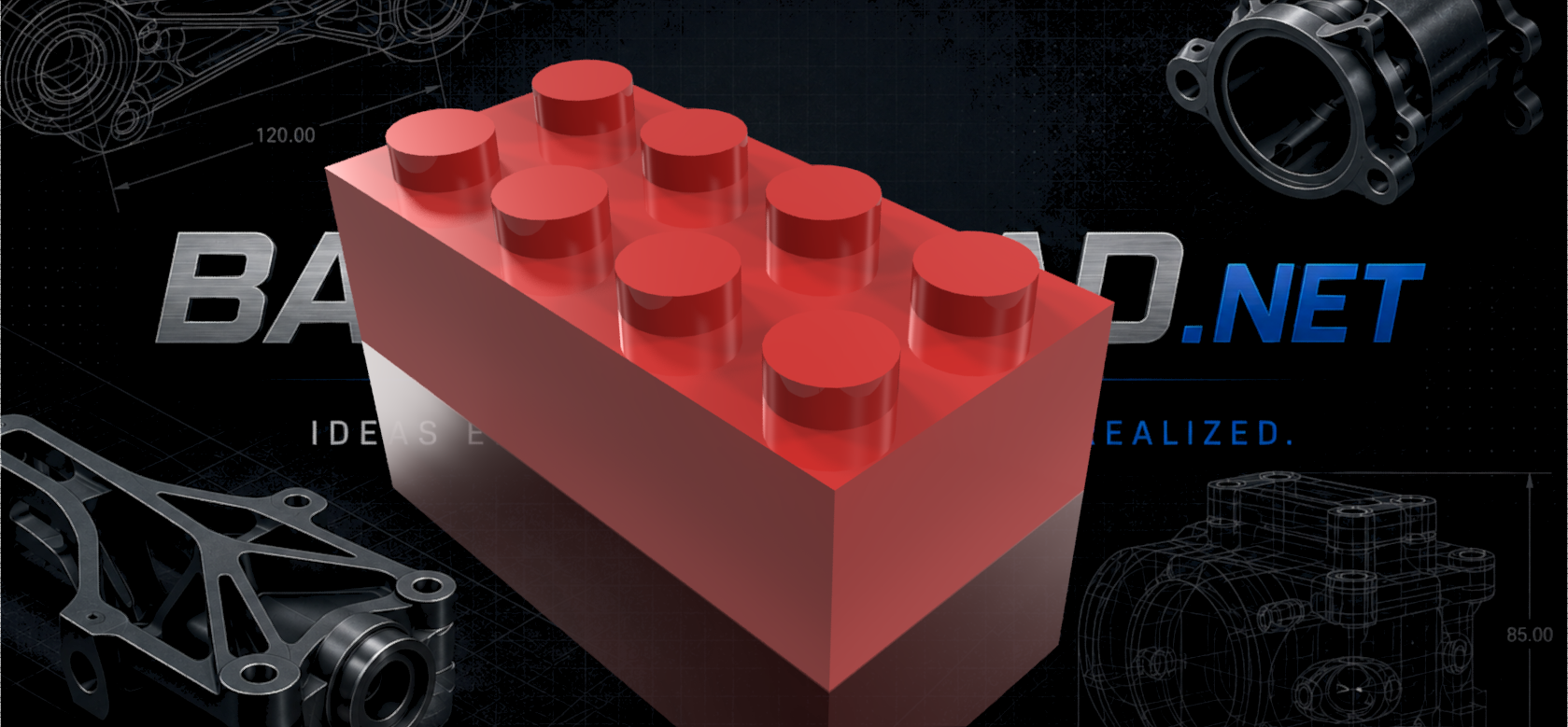
How to model a LEGO?
Here you can learn how to model a LEGO in Autodesk Inventor. It is a very old video I recorded (PT).
Pharmacy ERP (Java POO Code)
Pharmacy ERP program. It was an academic task during my degree. Check it out!
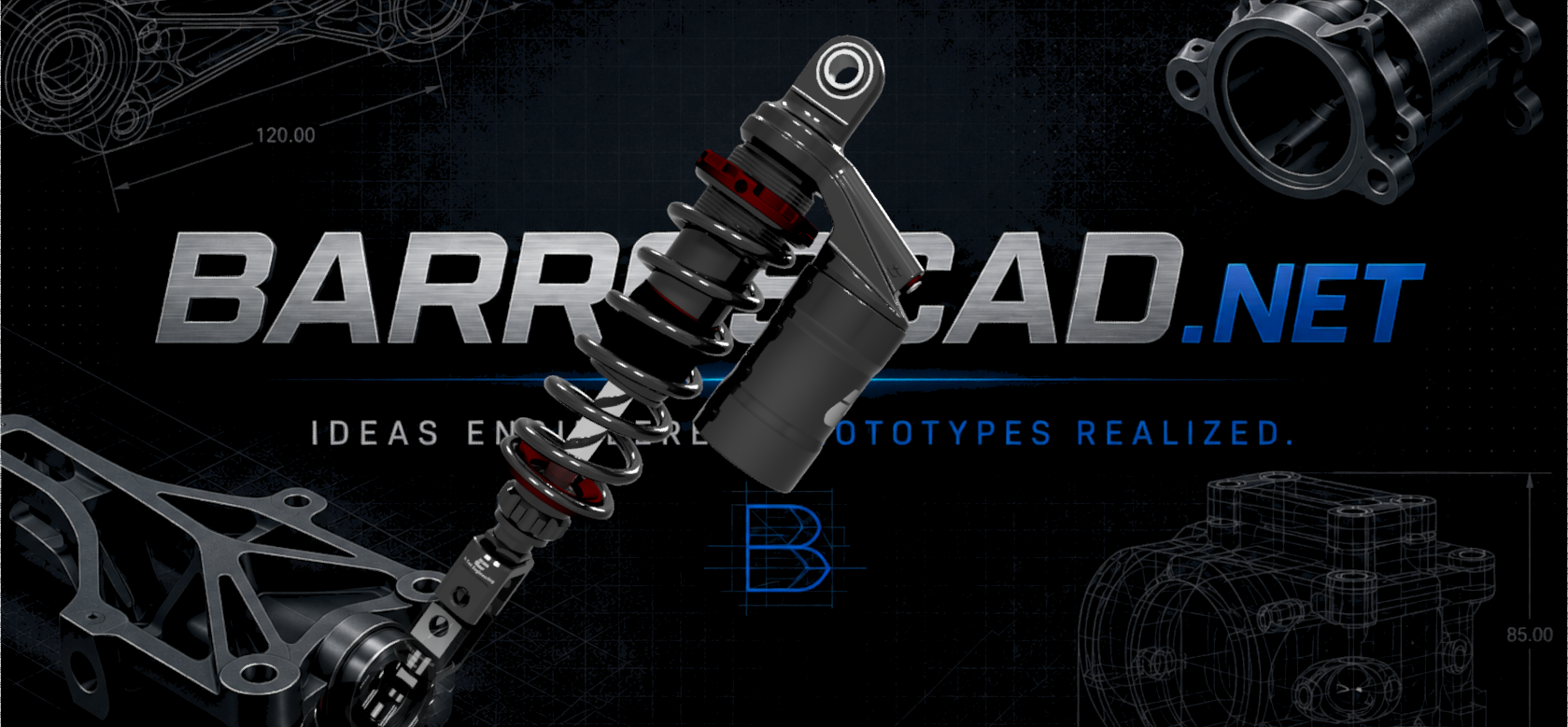
Shock Absorber YSS G Series
This is not my project, I just found it online and it looks very interesting the level of detail it has. Congrats to icad_16.
 3
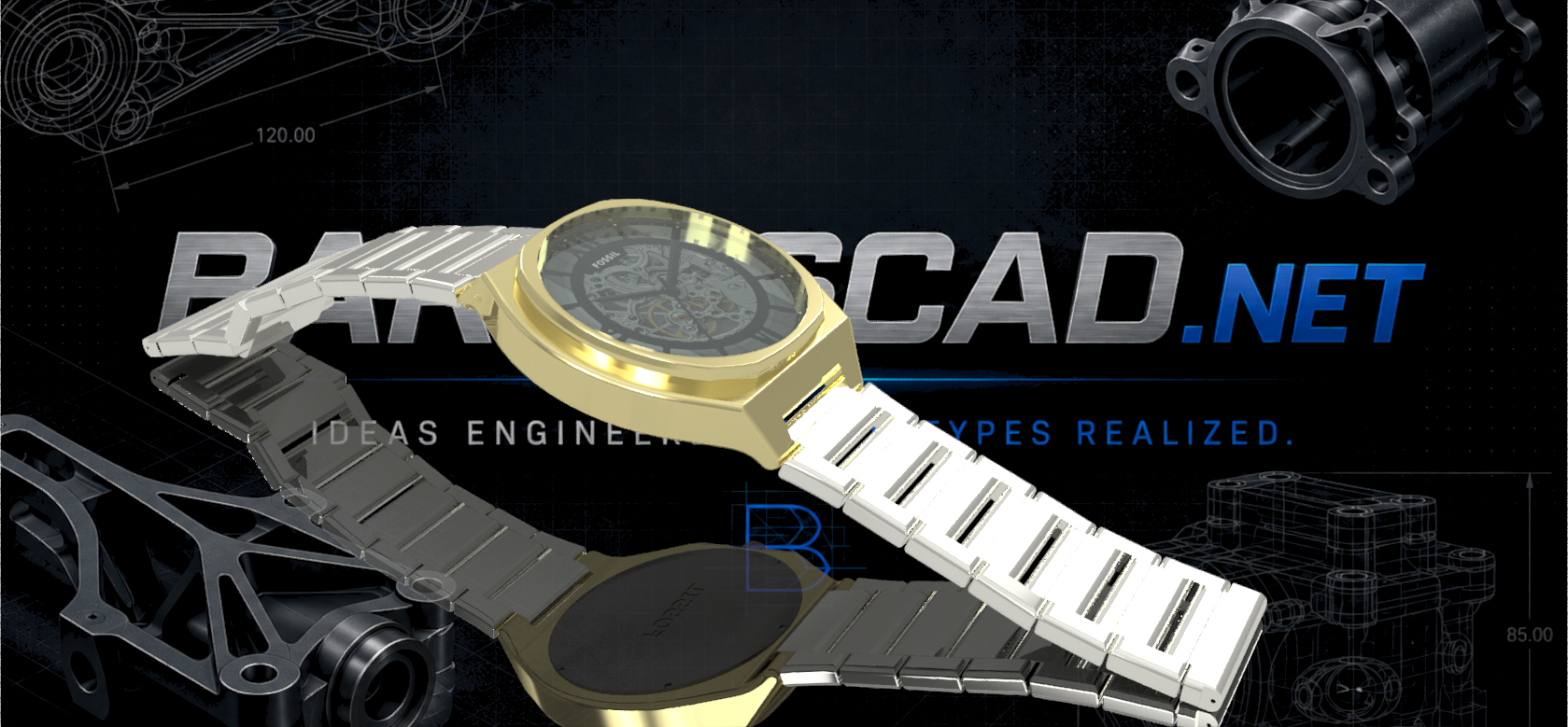
3Fossil Watch
Pure mechanical precision designing this watch. It was fun to do this very small project, and took only an evening to finish it.